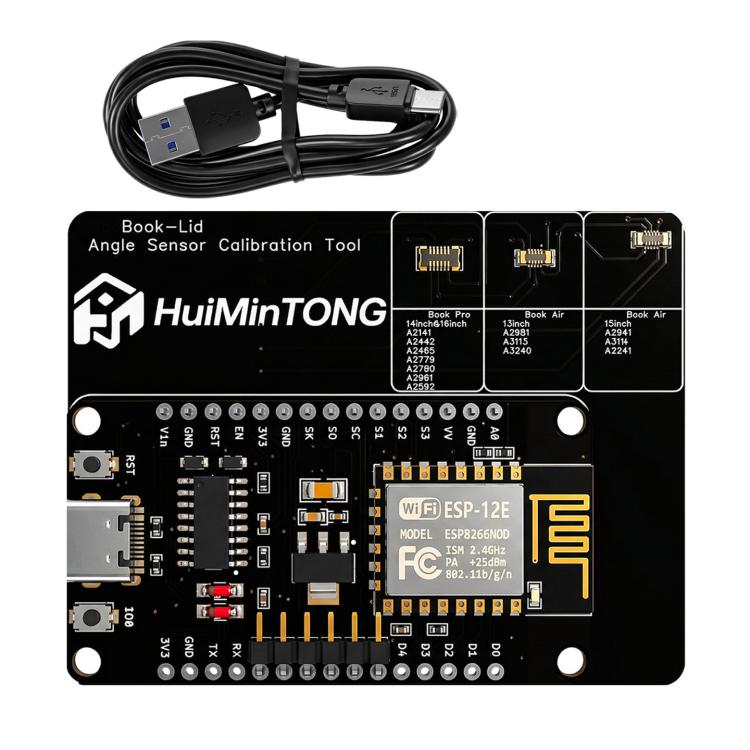
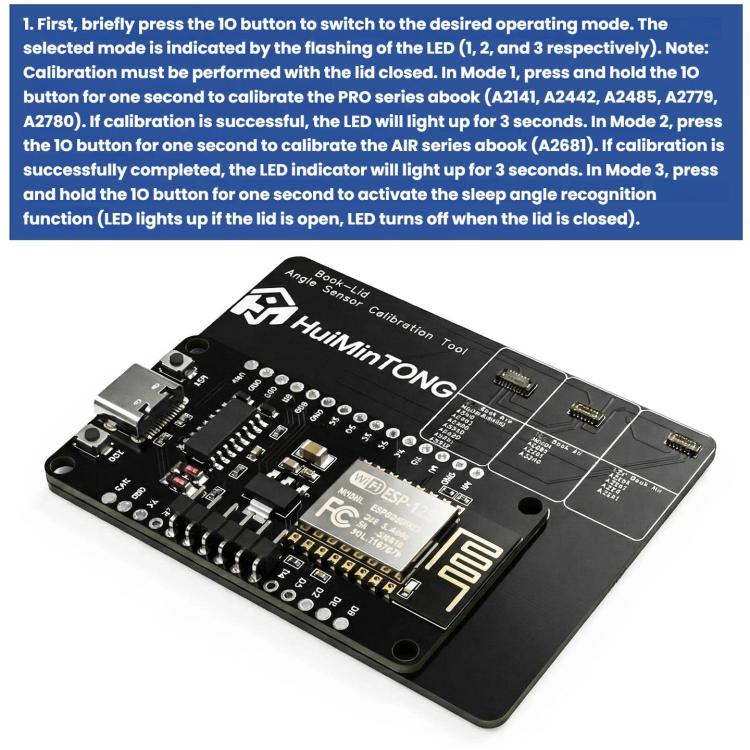
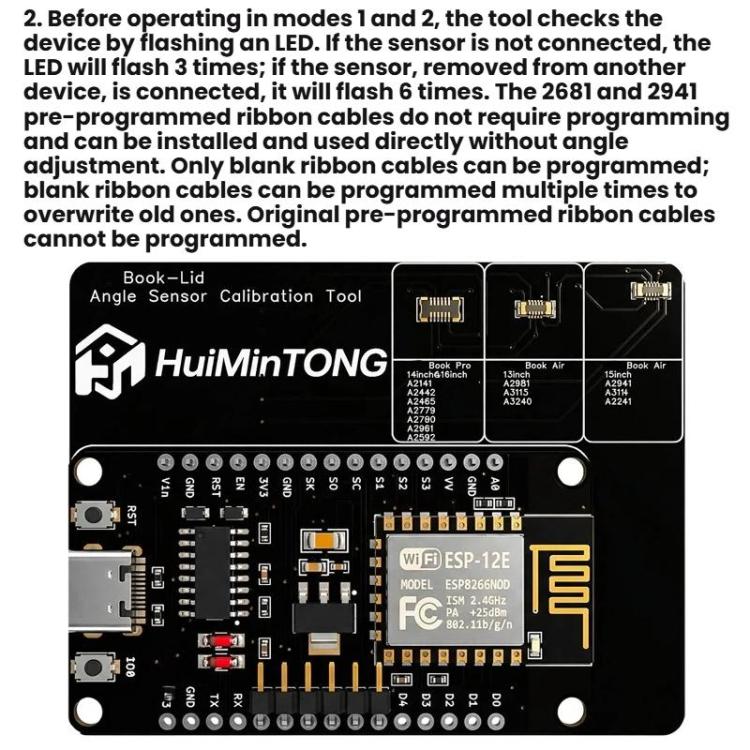
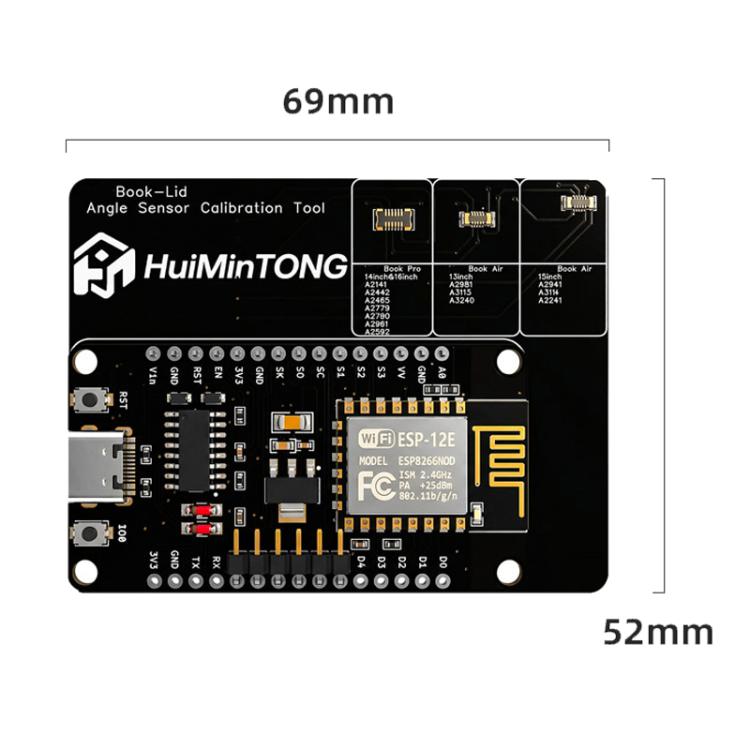
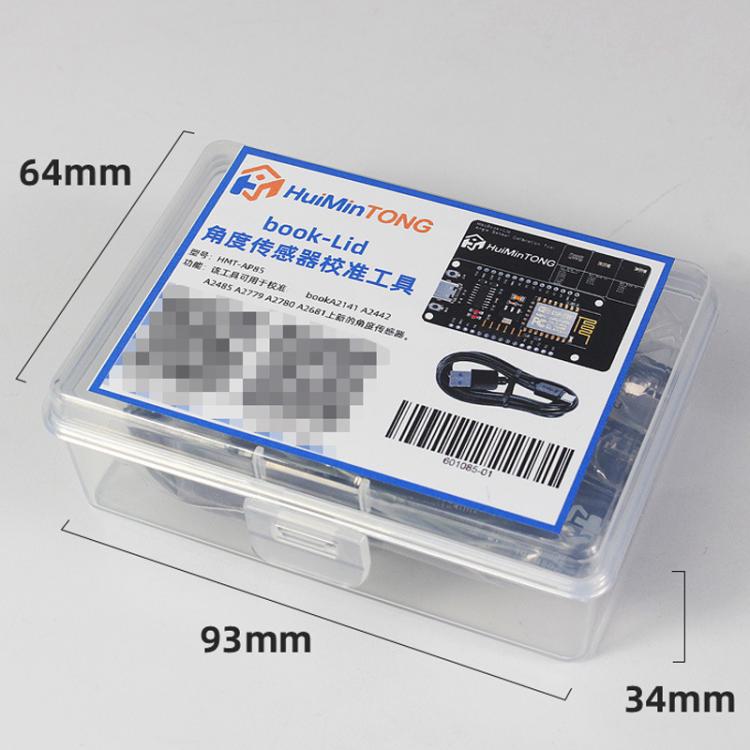
1. Briefly press the 10 key to switch to the desired operating mode. Determine the currently selected mode by the LED flash pattern (1, 2, or 3 respectively). Note: Calibration must be performed with the cover closed. In Mode 1, press and hold the IO key for one second to calibrate PRO series models A2141, A2442, A2485, A2779, and A2780. If calibration succeeds, the LED will illuminate for 3 seconds. In Mode 2, press the IO key for one second to calibrate AIR series model A2681. If the calibration record is successfully completed, the LED will illuminate for 3 seconds. A2780. If calibration succeeds, the LED will illuminate for 3 seconds. In Mode 2, press the IO button for one second to calibrate the AIR series A2681. If calibration records are successfully completed, the LED indicator will illuminate for 3 seconds. In Mode 3, press and hold the 10 key for one second to activate the sleep angle recognition function (LED illuminates when the cover is open; LED turns off when the cover is closed) 2. Before operating in Modes 1 and 2, the tool checks the device via LED flashes. If no sensor is connected, the LED flashes 3 times. If a sensor removed from another device is connected, it flashes 6 times. 2681 and 2941 models with pre-programmed ribbon cables require no programming and can be installed directly without angle adjustment. Only blank ribbon cables support reprogramming; these can be reprogrammed multiple times to overwrite previous settings. Original pre-programmed ribbon cables cannot be reprogrammed 3. Compatible Models: - For MacBook Pro 14-inch / 16-inch: A2141, A2442, A2465, A2779, A2780, A2961, A2592 - For MacBook Air 13-inch: A2981, A3115, A3240 - For MacBook Air 15-inch: A2941, A3114, A2241 4. Weight: about 19.7g 5. Size: about 6.9 x 5.2cm
中文描述:
1. 先短按10按键切换所需工作模式,通过LED的闪烁(分别为1、2和3) 来判断当前选择的模式,提醒:校准需要在合盖状态下进行在模式1中,长按IO键一秒,对PRO系列A2141、A2442、A2485、A2779、A2780进行校准,如果校准成功,LED将亮起3秒。在模式2中按IO键一秒,对AIR系列A2681进行校准,如果校准记录成功完成,LED指示灯将亮起3秒钟,在模式3中,长按10键一秒,识别休眠角度的功能被激活(如果盖子打开LED亮起,盖子关闭-LED熄灭) 2. 在模式1和2中工作之前,该工具会通过LED闪烁检查设备,如果传感器未连接,LED将闪烁3次,如果从另一台设备上拆下的传感器已连接,则将闪烁6次。 2681和2941带程序排线不需要写入程序,可以直接安装使用,不需要调节角度,只有空排线可以写入程序,空排线可以多次写入程序覆盖旧的,原装带程序排线无法写入程序 3. 适用型号: - 适用于Mac Book Pro 14 inch / 16 inch:A2141、A2442、A2465、A2779、A2780、A2961、A2592 - 适用于Mac Book Air 13 inch:A2981、A3115、A3240 - 适用于Mac Book Air 15 inch:A2941、A3114、A2241 4. 重量:约19.7g 5. 尺寸:约6.9 x 5.2cm
搜索关键词:For Mac Book Pro 14 inch / 16inch Tool, For Mac Book Air 13 inch Tool, For Mac Book Air 15 inch Tool
OEM/ODM are Welcome! we can make Customize design and print your logo
支持品牌产品如下: Apple: MacBook Pro 16 inch (2141), MacBook Pro 16.2 inch A2780 (2023), MacBook Pro 14.2 inch A2779 (2023), MacBook Air 13.6 inch A3240 2025 (M4), MacBook Pro 14.2 inch A2442 (2021), MacBook Air 15.3 inch A3114 (2024)
 侵权图库
侵权图库